GPS tracking and geofencing are what turn “the guard says they were there” into “here is exactly where the guard was, and when.” For a security company, that difference is the whole job: proving coverage, keeping guards accountable, and giving clients confidence. This guide explains how both work, how to set them up well, and where their limits are.
What is GPS tracking for security guards?
GPS tracking means the guard’s smartphone reports its location to a central dashboard during a shift. Managers see each guard on a live map, confirm they are on site, and can review the route the guard actually walked or drove. Instead of relying on a paper log or a phone call, the location record is automatic and time-stamped.
What is geofencing?
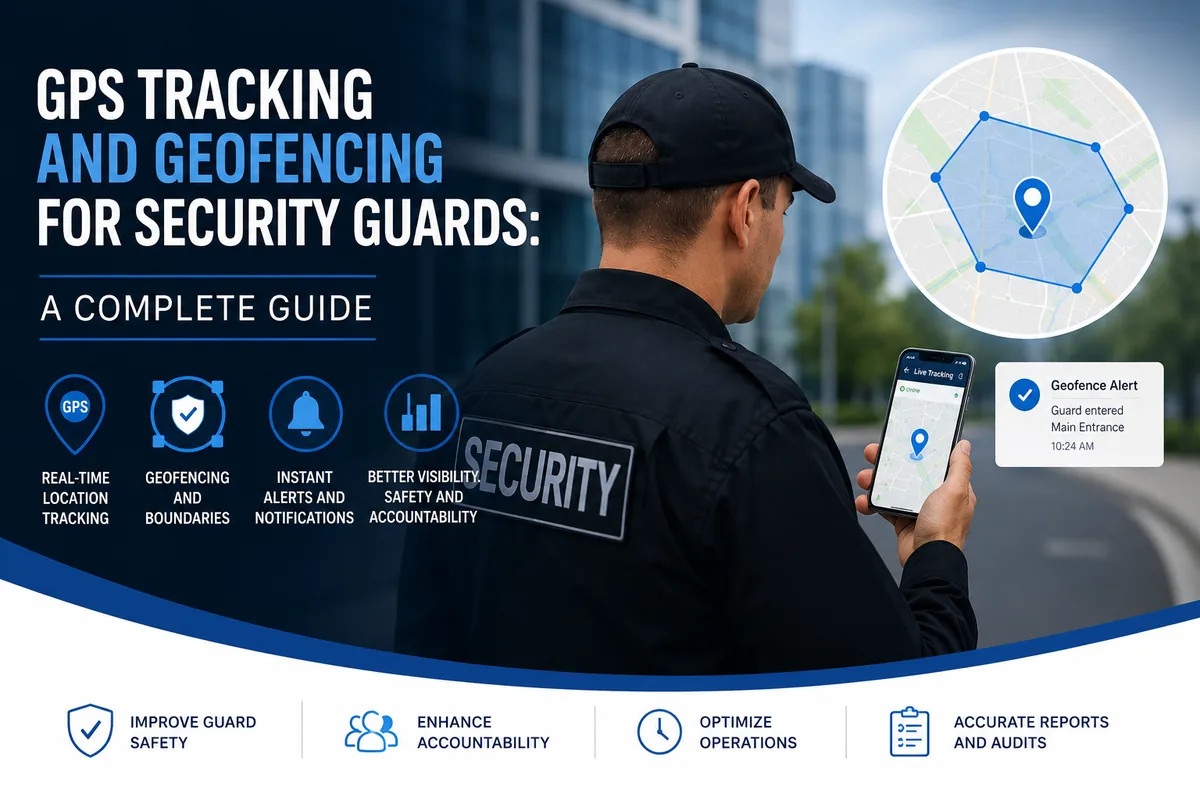
Geofencing draws a virtual boundary around a location on a map. The system then reacts when a device crosses that boundary. For security operations this powers two high-value features:
- Geofenced clock-in: a guard can only start a shift when they are physically inside the site boundary, which stops off-site or early clock-ins.
- Zone alerts: if a guard leaves an assigned area during a shift, the system flags it so a manager can act right away.
How GPS tracking and geofencing work together
- Set the site boundary. You draw a geofence around each site on the map.
- Guard clocks in on site. Geofencing confirms the guard is inside the boundary before the shift starts.
- Location updates during the shift. The app reports GPS position at regular intervals, drawing a breadcrumb trail of the route.
- Exceptions trigger alerts. Leaving the zone, a long stop, or a missed area can notify a manager in real time.
- The shift becomes a record. At clock-out you have a complete, time-stamped history of where the guard was.
Where GPS geofencing has limits (and how to cover them)
GPS is excellent outdoors but less precise indoors, in basements, or between tall buildings. Relying on GPS alone for exact proof at a specific door or floor can be unreliable. The fix is to combine geofencing with scan-based checkpoints:
- Use GPS geofencing for site presence and route tracking.
- Use QR or NFC checkpoint scans for exact proof at specific points inside or around the building.
Together they give both the big-picture “guard was on site all shift” and the precise “guard reached the third-floor stairwell at 02:14.”
Privacy and doing it right
Location tracking should be limited to working hours and clearly communicated to staff. Track during an active shift, stop at clock-out, and be transparent with your team about what is recorded and why. Handled openly, GPS tracking protects guards as much as it protects clients, because it provides an objective record when there is ever a dispute about coverage.
How Novagems handles GPS and geofencing
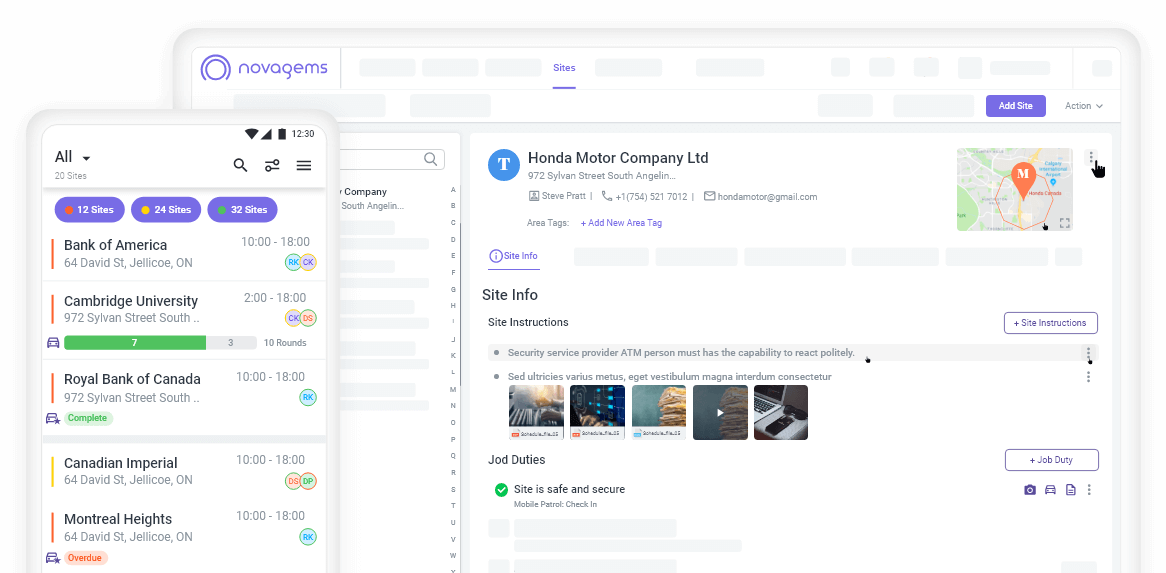
Novagems includes live GPS tracking and geofencing as part of its security guard management platform. Managers draw geofences around each site, guards clock in through the Novagems mobile app only when they are on site, and the live map shows each guard’s location and route during the shift. Geofence and missed-checkpoint alerts surface in real time, and GPS geofencing works alongside QR and NFC checkpoint tours so you get both site-level tracking and exact checkpoint proof. Location tracking runs during the shift and stops at clock-out.
Because tracking sits in the same platform as scheduling, checkpoint tours, and incident reporting, a manager can plan the shift, watch it live, and hand the client a clean record afterward.
Frequently asked questions
What is geofencing in security guard tracking? Geofencing draws a virtual boundary around a site. When a guard’s phone enters or leaves it, the system records it, so guards clock in only on site and managers are alerted if a guard leaves an assigned zone.
Is GPS tracking of security guards accurate? Outdoor GPS is usually accurate to within a few metres, enough to confirm site presence. Indoors it is less precise, which is why GPS geofencing is often paired with QR or NFC checkpoint scans for exact proof.
Can guards be tracked off duty? They should not be. A properly set up system tracks only during an active shift and stops at clock-out.
See Novagems in action
Join 500+ security & cleaning companies that replaced spreadsheets with Novagems.
✓ 14-day free trial · ✓ Free onboarding · ✓ Cancel anytime