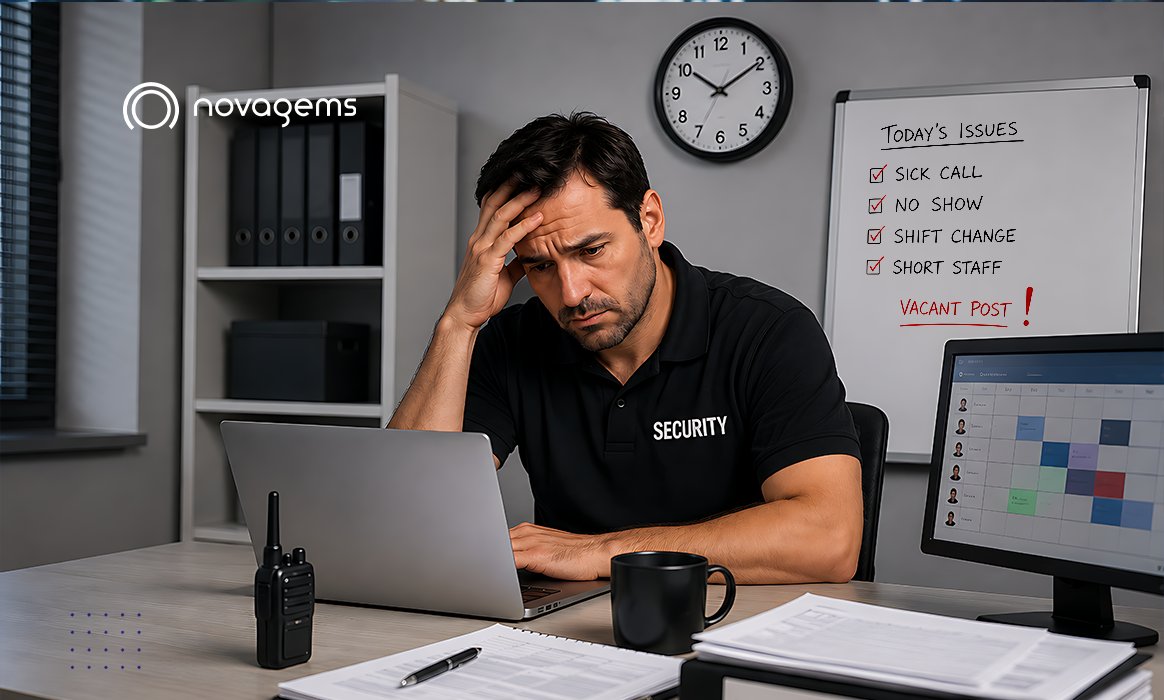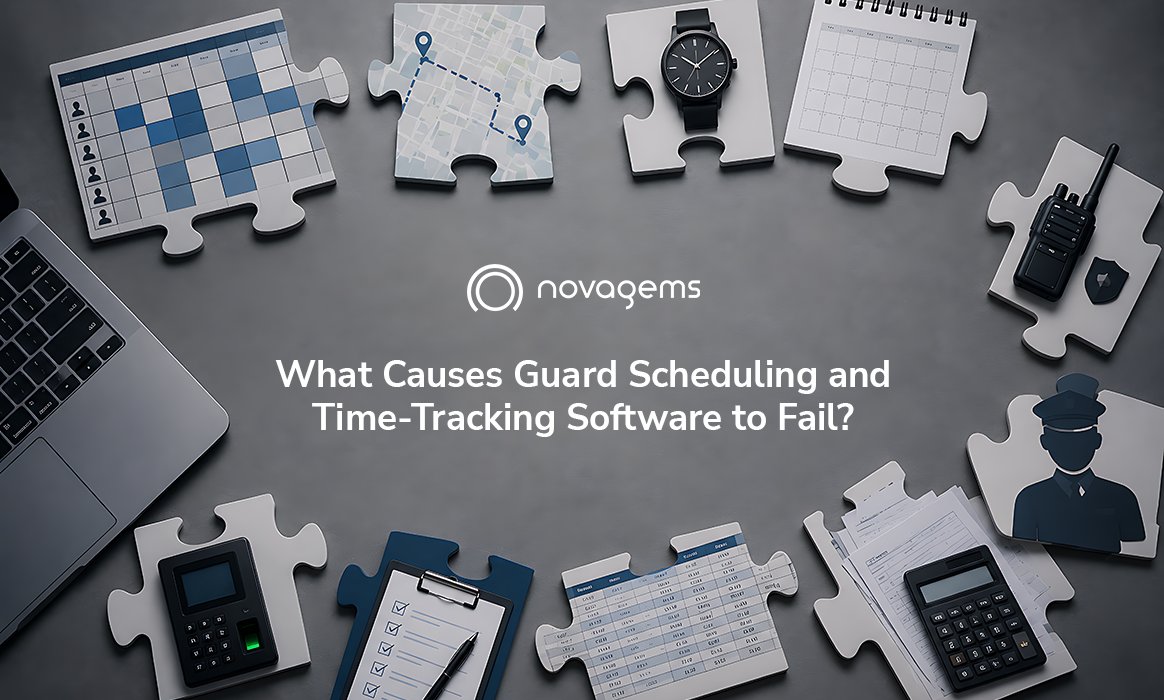
Guard scheduling and time-tracking software fails for a few predictable reasons: no GPS or geofence verification, so time theft and buddy punching continue; poor mobile adoption by guards in the field; and disconnected scheduling, attendance, and payroll that force double data entry. Software that does not close the schedule-to-paycheck loop gets abandoned within months.
Most failures are not about a missing feature. They are about a tool that adds work instead of removing it, or one that cannot be trusted because the data behind it is not verified. Below are the failure points to check before you buy, and how to avoid each.
Key Takeaways
- The top failure causes are unverified clock-ins, low guard adoption, disconnected payroll, no overtime control, and weak reporting.
- Each failure traces back to one root issue: the tool does not produce trusted data or does not save managers time.
- Choose an all-in-one, guard-specific platform with GPS verification and payroll-ready timesheets to avoid them.
1. Clock-ins are not verified, so the data cannot be trusted
If guards can clock in from anywhere, the hours in your system are a guess. Buddy punching and off-site clock-ins continue, clients still doubt that patrols happened, and managers stop relying on the reports. Software that fails almost always lacks GPS and geofencing, which confirm a guard is physically on-site before a shift can start.
2. Guards in the field do not adopt it
Scheduling and time-tracking software only works if the people on posts actually use it. If the mobile app is slow, confusing, or separate from clocking in and reporting, guards avoid it and managers lose visibility. Low field adoption is one of the fastest ways for a rollout to quietly die.
3. Scheduling, attendance, and payroll do not talk to each other
When the schedule, the time clock, and payroll are three separate tools, every pay period means exporting, matching, and re-keying data. That double entry is slow and error-prone, and it convinces teams the software is not worth the effort. Platforms that turn verified attendance directly into payroll-ready timesheets remove that friction.
4. There is no overtime control
Filling a gap today should not create a payroll surprise next week. Tools that do not track weekly hours or warn before a guard crosses the overtime threshold let non-billable overtime pile up unnoticed. Overtime-aware scheduling flags the risk before the shift is assigned, protecting margins.
5. Reporting is weak, so clients are not satisfied
In contract security, reports are part of the product. If software cannot produce incident reports with photos and timestamps, or share patrol proof with clients, the company loses a retention and renewal tool. Weak reporting makes even a technically working system feel like it failed.
6. It was rolled out without support or a plan
Even good software fails when it is dropped on a team with no onboarding. Without a phased rollout, data migration, and training, guards and managers never reach the point where the tool saves time, and they revert to old habits.
How to avoid these failures
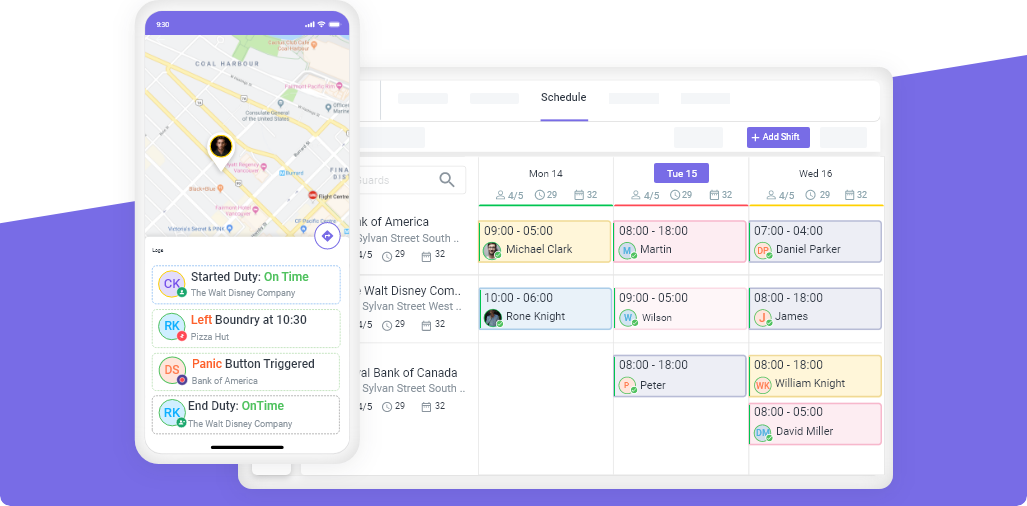
Pick a platform built for security that verifies hours, that guards will actually use, and that connects scheduling, attendance, and payroll in one place. Novagems does exactly this: geofenced clock-in prevents time theft, the mobile app is the same one guards use to view shifts and report incidents, verified hours flow into payroll-ready timesheets, overtime alerts protect margins, and onboarding is included with 24/7 support so the rollout actually sticks.
See Novagems in action
Join 500+ security & cleaning companies that replaced spreadsheets with Novagems.
✓ 14-day free trial · ✓ Free onboarding · ✓ Cancel anytime